Linux Kamarada
What about having the 2026 FIFA World Cup fixtures and scores right on your Linux desktop? You can add all the games to the calendar so that you can organize your routine not to miss a fixture you really want to watch. Today you are going to see how to do that.
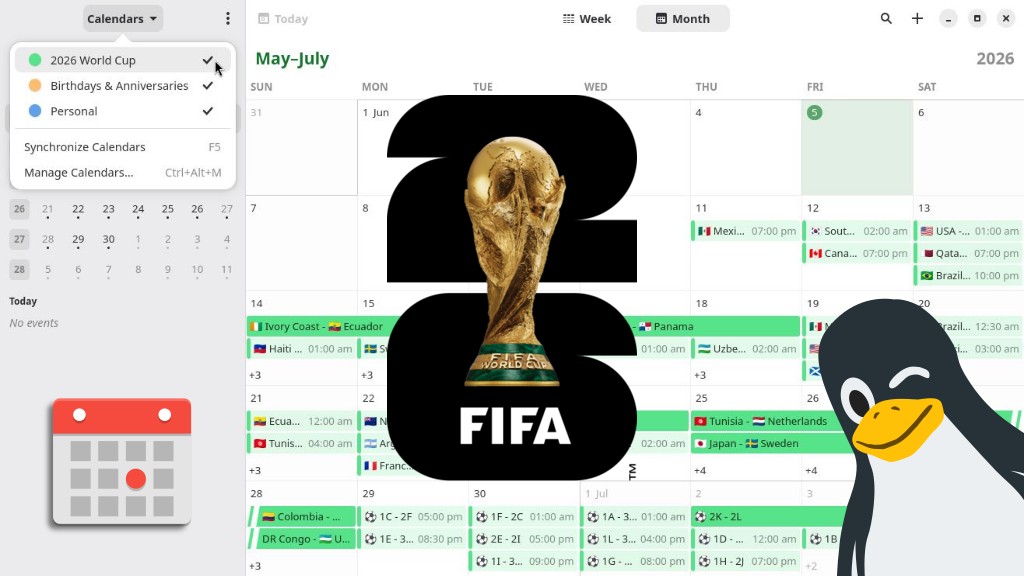
Googling for publicly available World Cup calendars, I found this one by FotMob. It is an ICS file, which can be synced by apps such as GNOME’s Calendar, present on Linux Kamarada.
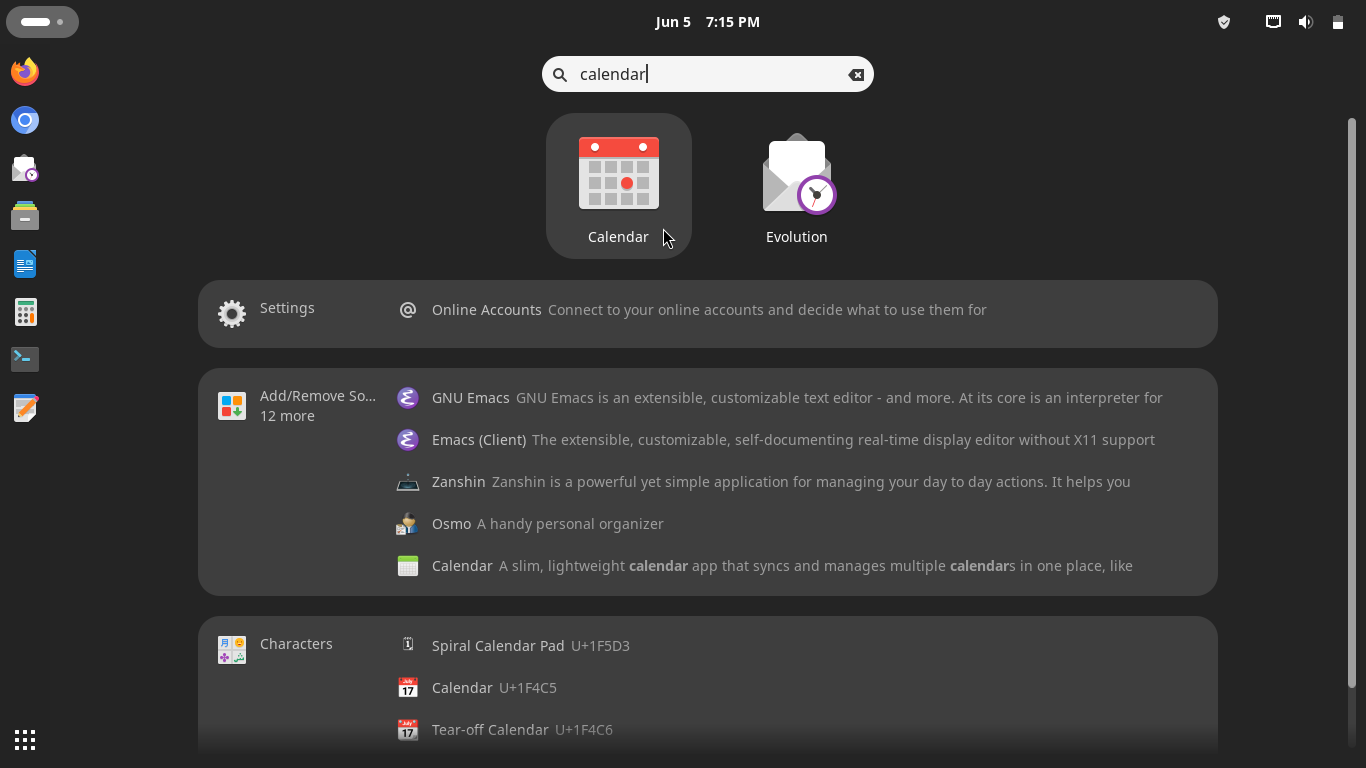
To open the GNOME Calendar, open the Activities menu, by the upper-left corner of the screen, start typing calendar and click the application icon:
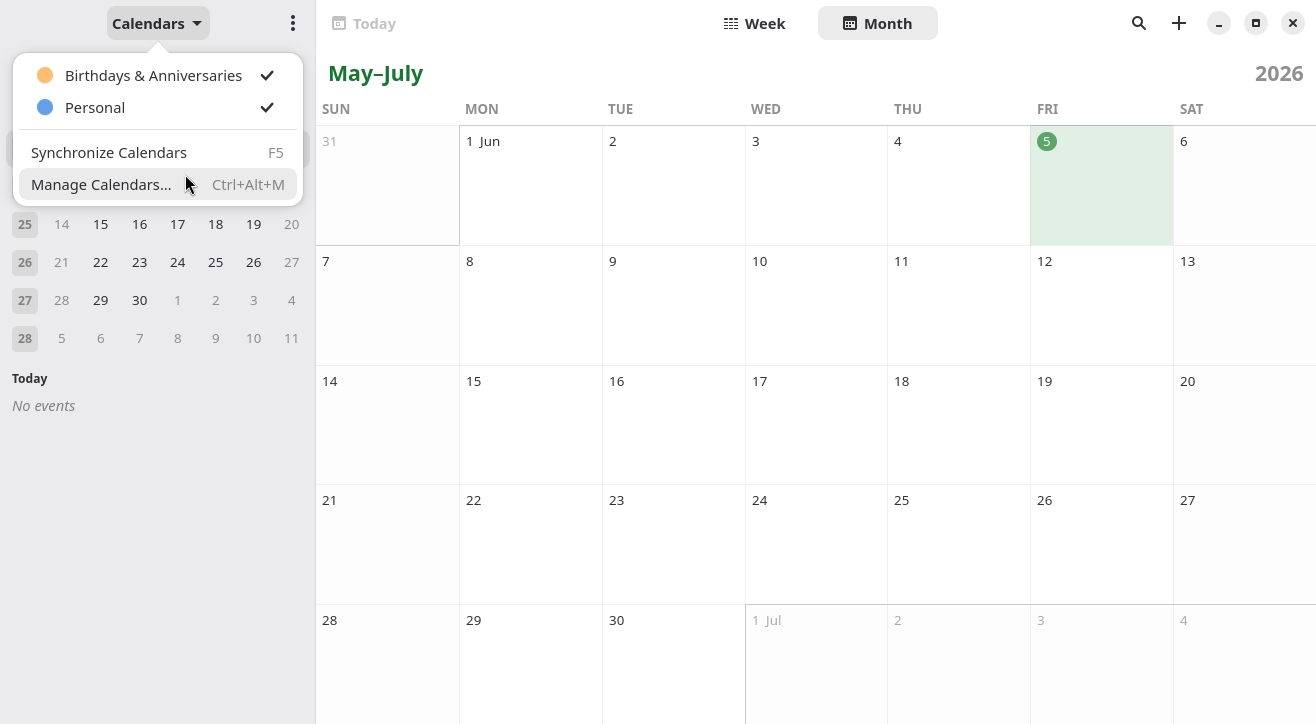
Open the Calendars menu and then click the Manage Calendars option:
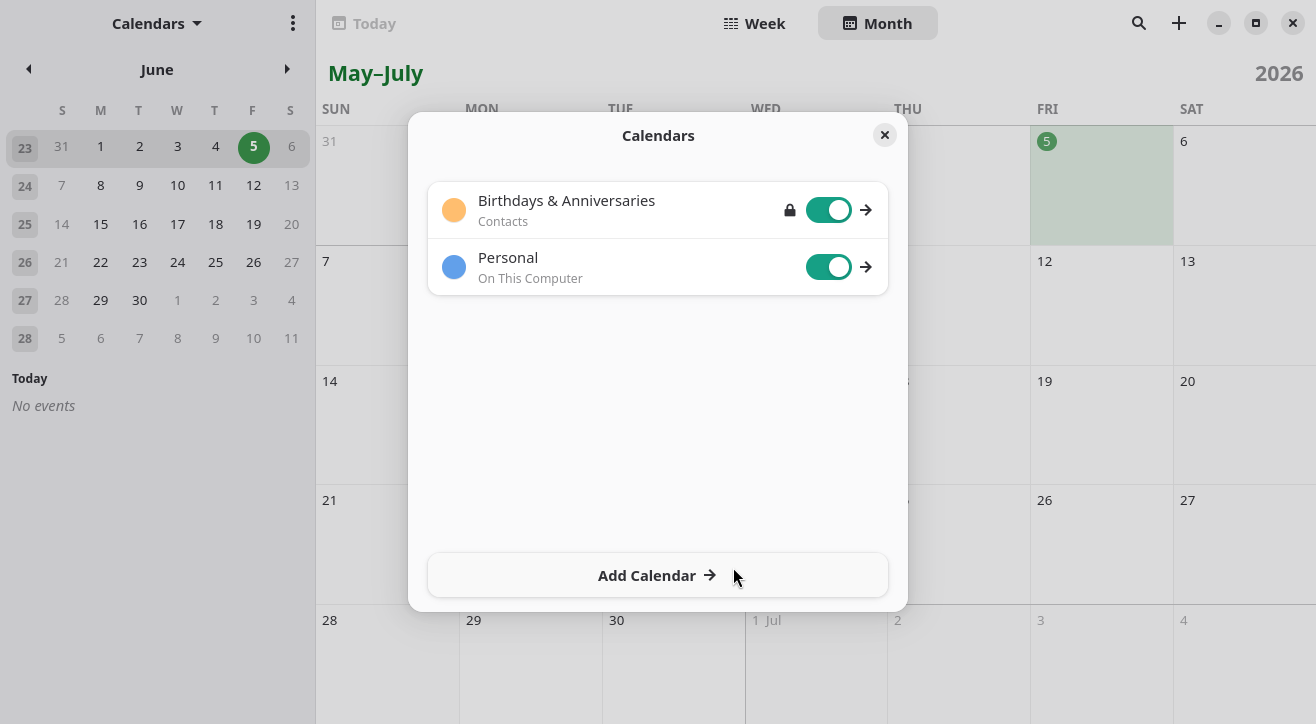
Click Add Calendar:
Copy the following link. To do so, right-click it and then click Copy link on the context menu (or the similarly named option provided by your browser):
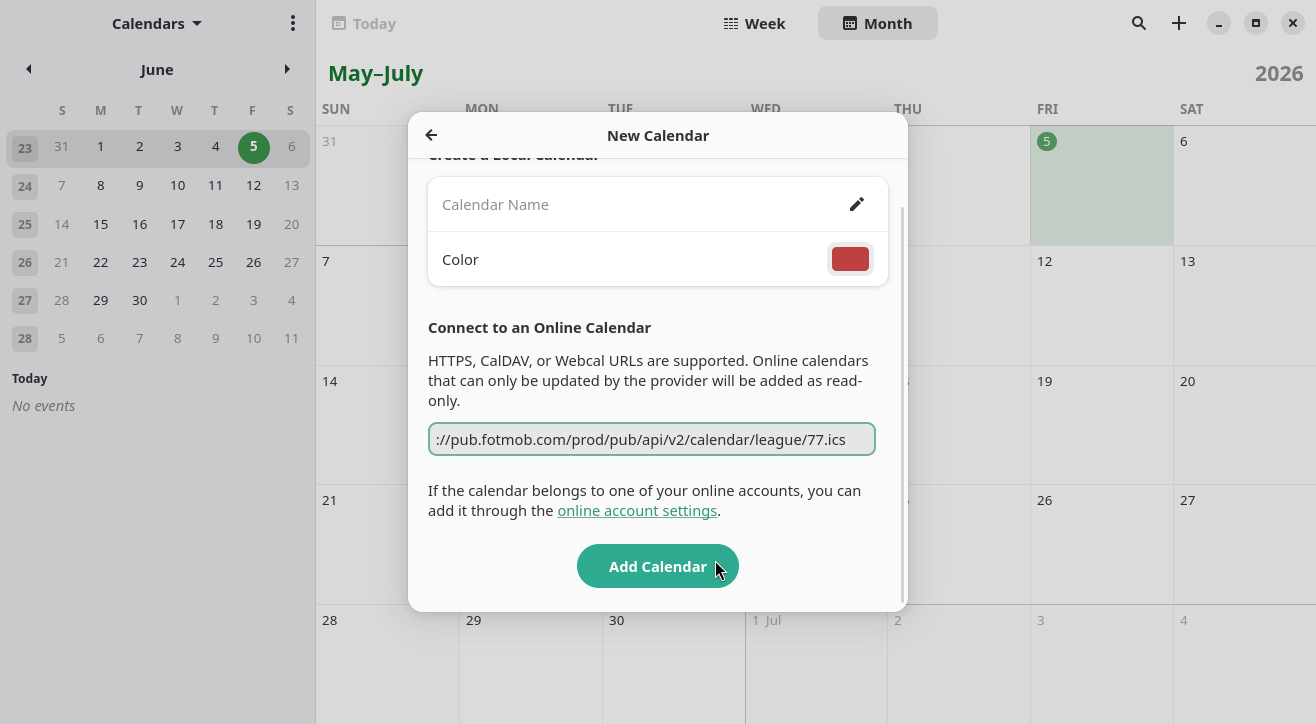
Paste it into the New Calendar dialog box, on the text field below Connect to an Online Calendar, and click the Add Calendar button:
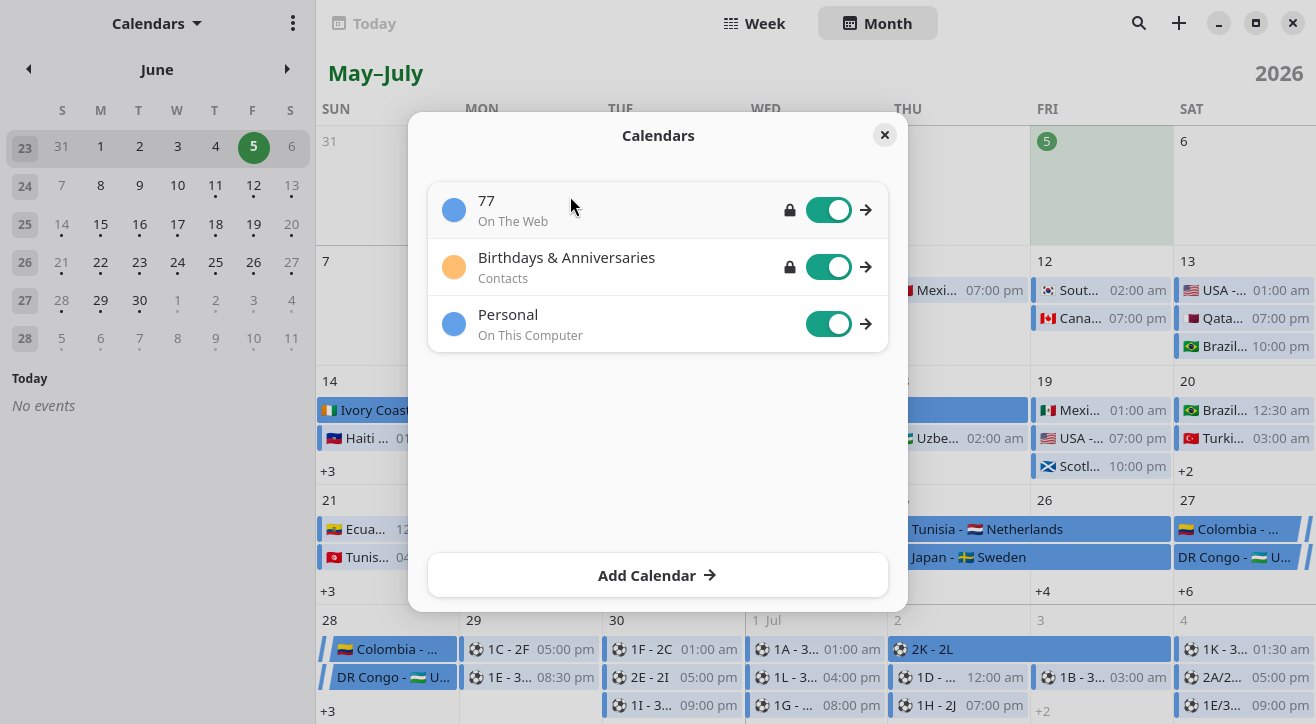
Back to the previous screen, note that the calendar is now listed, and the matches are now appearing:
By clicking the name of the calendar, you can give it a new name and color:
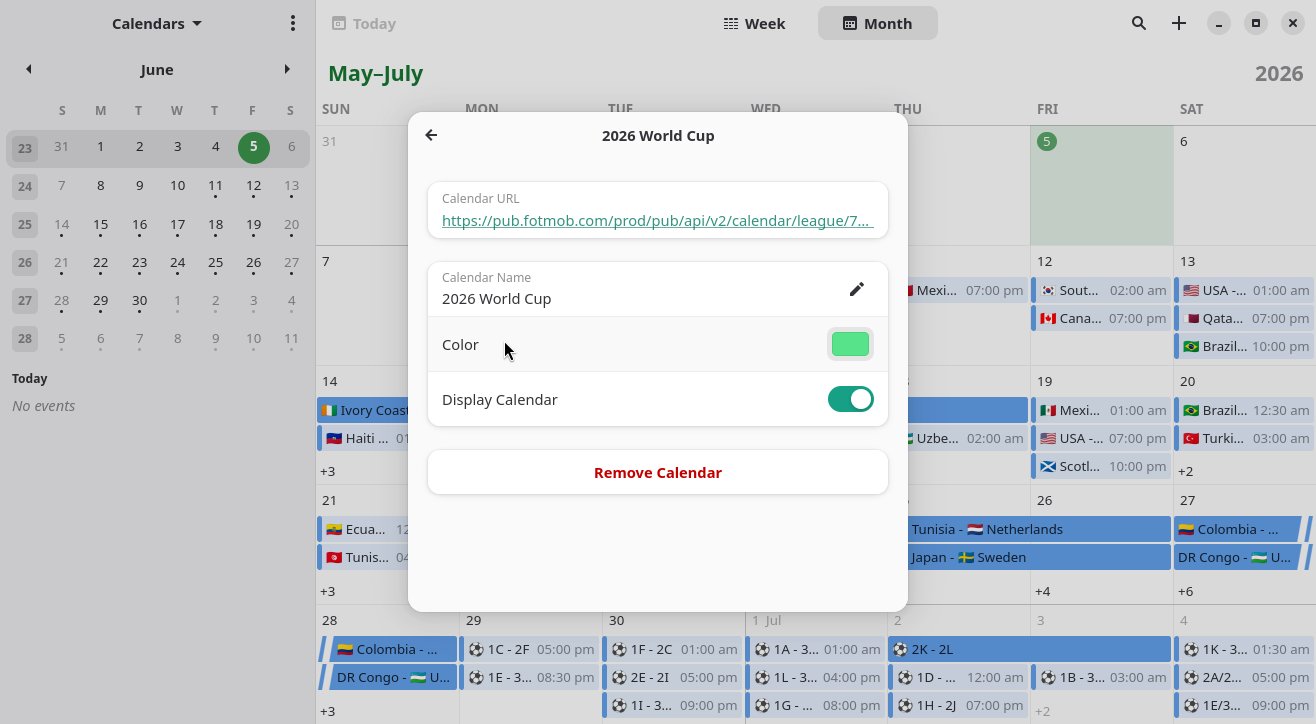
When finished, go back (by clicking the arrow by the upper-left corner) and close this dialog to return to the Calendar main screen.
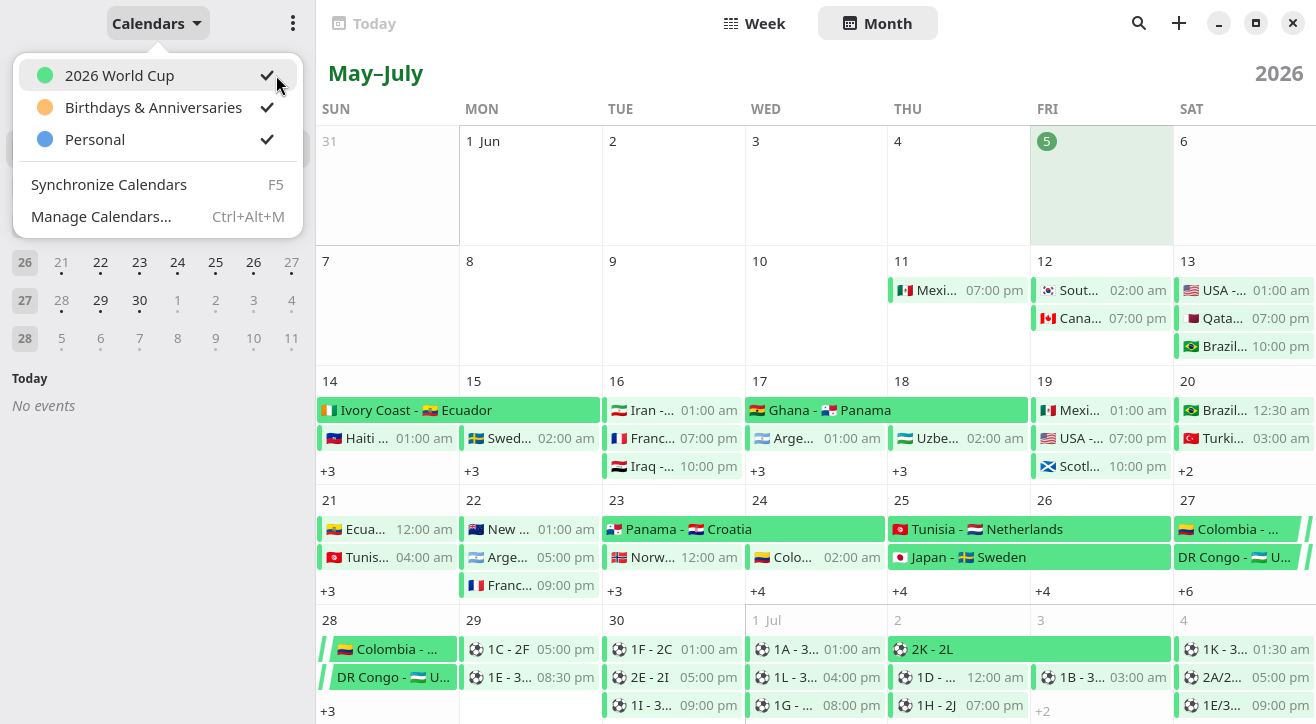
You can now easily show or hide the match schedule from the Calendars menu:
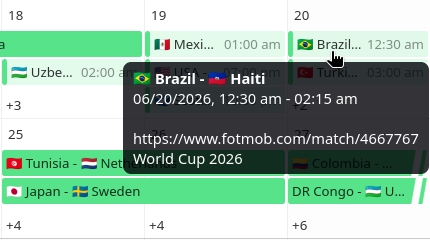
Hover over a game, or click it, to see more info about it:
The way we did it (by copying and pasting that link into the Calendar app), the app regularly looks for updates to the match schedule and syncs them.
An alternative would be to download the ICS file to the computer and import it into the app, but then updates made by the website would not be synced.
That’s it! With this, you will be able to check the schedules and scores of all of the 104 matches of the biggest soccer tournament in the world easily right from the Calendar app on your Linux computer.
I hope you liked and enjoyed this tip. If you have any questions or suggestions, please, don’t hesitate to comment!